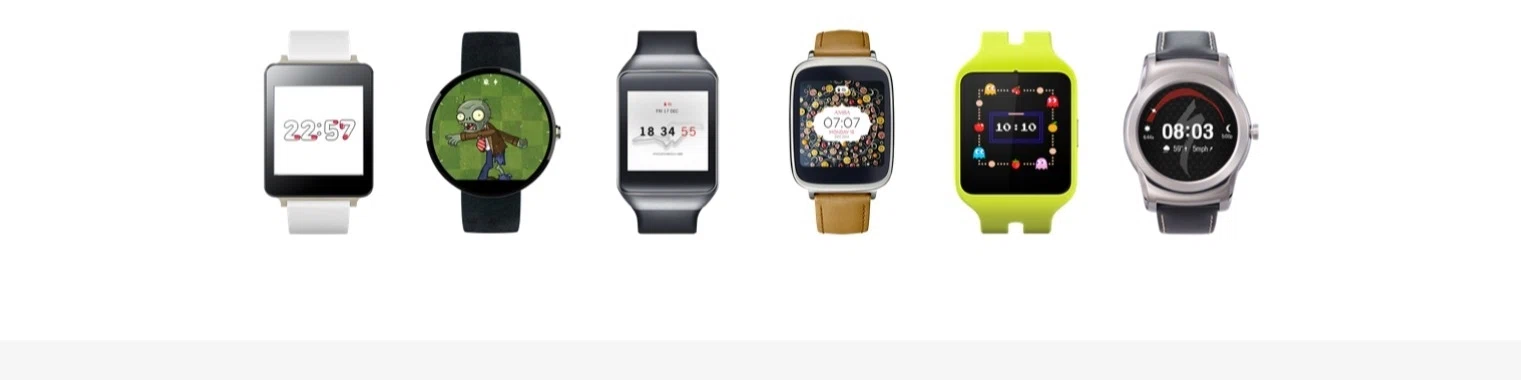
Since the release of the Apple Watch in April we’ve seen plenty of reviews come out. While the reviews praised the stylish design and intuitive interface of the Apple Watch, one big pain point shared by most reviewers was the absence of several key apps and features—something Apple is known to do with its devices by relegating that functionality to later models.
Case in point: The original iPhone didn’t have copy-paste functionality, the iPhone 3G didn’t support MMS, and the iPhone 5/5S didn’t have NFC despite the fact that competing smartphones at the time had all those features. The Apple Watch follows a similar trend with the absence of several core functionalities that you’ll find in most Android Wear devices.
Here are seven things you can do with an Android Wear device that you can’t do with an Apple Watch:
1. Offline Music Playback
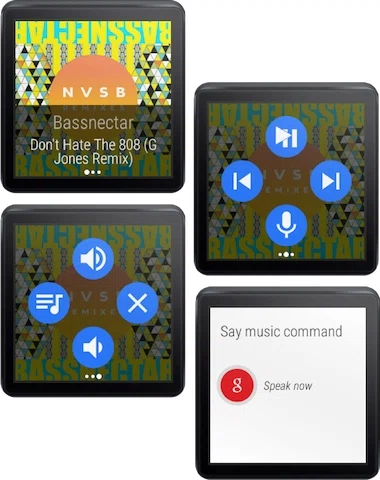
Being able to listen to music without being connected to a smartphone was one of the most desired features for Android Wear, and this was rolled onto the platform during October last year. Android Wear smartwatches like the Motorola Moto 360 and the LG G Watch are now able to listen to cached (stored) music right from the watch without needing to be connected to a smartphone. This feature is particularly useful when going for a jog or during exercise where carrying the smartphone with you would be cumbersome.
2. Offline GPS Support
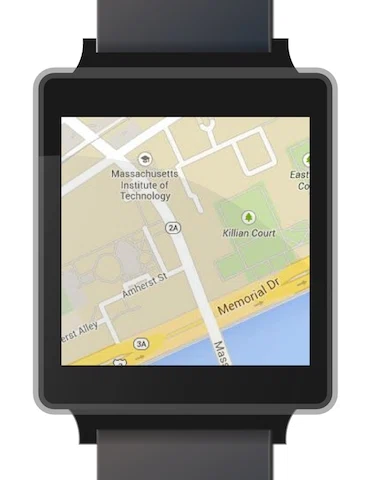
Another useful feature you won’t find on the Apple Watch is the inclusion of native GPS support on Android Wear watches that have built-in GPS sensors like the Sony Smartwatch 3, allowing you to navigate through Google Maps and track various GPS-related fitness information like the route taken, the elevation, and speed without being connected to a smartphone. Currently, the Apple Watch does not have a GPS sensor, so it has to depend on the iPhone to receive GPS data, meaning you’ll need to carry your iPhone with you at all times to use it.
3. Custom Watch Faces
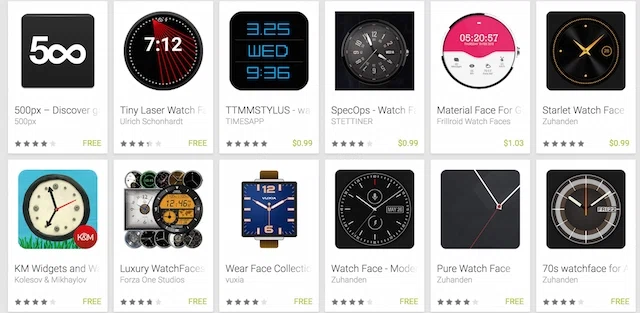
One of the most incredulous decisions Apple has made regarding the Apple Watch was to prevent any app developer from releasing “time telling” apps, consequently forbidding users from downloading customizable watch faces. Sure you’ll be able to switch between the default 11 watch faces, but if you don’t like any of them…well tough luck. Android’s Google Play store currently features over 150 watch faces you can download on your Android Wear device, so you should be able to choose a watch face that truly fits your style.
4. Wi-Fi
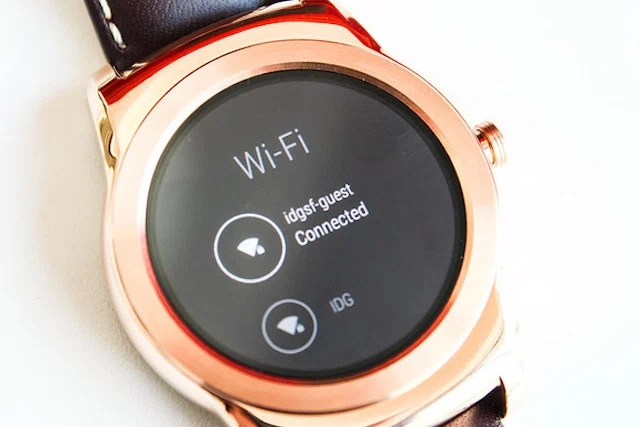
The Apple Watch doesn’t come with a Wi-Fi antenna, so if you were hoping to receive updates or notifications without your phone nearby … good luck. Using the Wi-Fi function lets you get access to core applications like messages, Facebook notifications and Twitter updates, and you’ll also be able to use certain other applications. Considering Apple’s history, it’s likely that the next iteration of the Apple Watch may have Wi-Fi support, but you’ll have to wait at least a year to get it.
5.Wrist gestures

While raising your wrist does turn on the Apple Watch, that’s the extent to which you’ll be able to use your wrist to interact with the device. With the newest update to Android Wear smartwatches, users can flick their wrists outwards to see the next card on their notification stream or inwards to go back to a previous card. This makes hands-free operation possible, which is useful during meetings and activities where your hands are otherwise preoccupied.
6. Always-On Screen
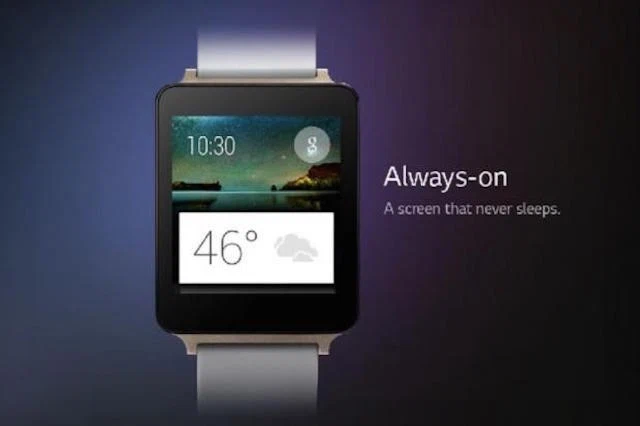
Apple’s reasoning to prevent an always-on screen on the Apple Watch is pretty straight forward: the less the screen is on, the more battery is saved. However, what if you actually want an always-on screen, like the one on Pebbles? Android Wear lets you keep your watch permanently on a low-powered state, letting you gaze at your watch without having to deliberately raise your wrist to see what time it is.
7. Google Keep
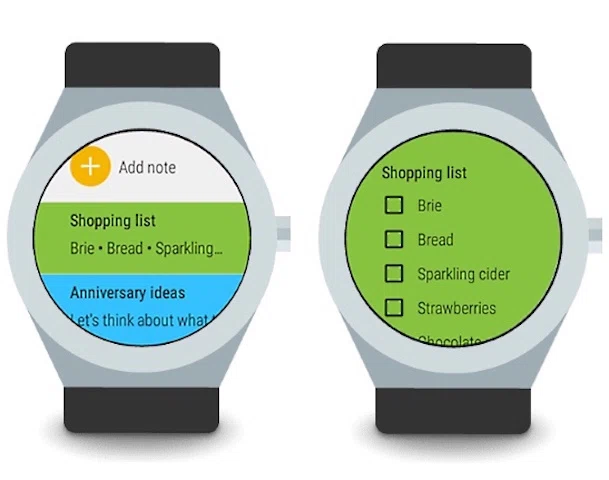
One of the best applications on Android Wear is the ability to download Google Keep, which is a robust note-taking app that lets you jot down notes, make lists on the fly, and schedule reminders. The colorful interface lets you see all your notifications with ease, and the cloud syncing function means you’ll have access to your notes regardless of what device you may be using.