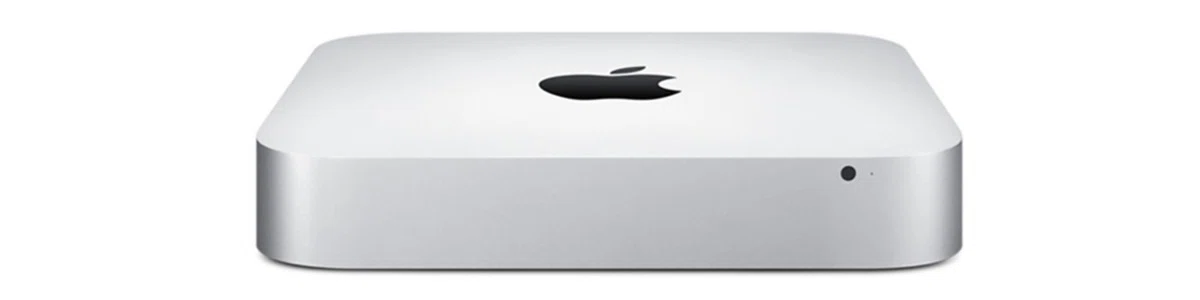
Known for being user-friendly machines that feature the latest innovations in personal computer technology, Macs are great to own for students, professionals, and creative types alike. However, a computer with a top brand name like Apple comes at a premium. And not everyone can afford the price tag for a brand new, shiny Mac laptop or desktop.
Thankfully, there are an abundance of second-hand Macs available on the used computer market. While used Macs may not be at the leading edge of technology like new models, a good older generation Mac that’s been taken care of properly should generally be up to most tasks you would require of it.
There are also refurbished Macs available at stores like Mac of All Trades that often come with warranties and free technical support. However, if you’re really looking for the best possible deal, your best option might be to purchase a used Mac from a second-hand computer store or a private seller who has upgraded his/her system.
Provided it’s not too old and that it’s been well cared for, a used Mac will provide you with much of the functionality of a new one at a fraction of the cost. But when it comes to shopping for a used Mac, remember that while all Macs may be created equally, that’s not necessarily the case when it comes to used ones.
Some Macs are well taken care of while others are not. To help you make the right choice when shopping for a second hand Apple, here are five tips for buying a used Mac.
1. Check for signs of physical damage
Give the computer a thorough once-over to determine if it has incurred any physical damage. Scratches and nicks are to be expected, but other exterior damage such as stripped screw heads or a display lid on a laptop that doesn’t match up evenly to the bottom half of the case can be taken as signs that the computer was treated roughly.
Also, in terms of laptops, the display lid should remain open at any angle. If the lid falls shut at certain angles that could be a sign that the system was poorly cared for or tampered with.
2. Check the battery life (laptops only)
Nothing lasts forever, laptop batteries included. Apple laptop batteries typically last between 300 and 1,000 charges, depending on the model. To check the health of the battery on a laptop you’re considering buying, go to System Information > Power. There you will find a Health Information section that will provide you with a cycle count and condition status.
A low charge cycle count generally indicates a good battery. If a battery has a high cycle count, you’d be better off buying a different computer or asking for a discount so you can afford a new battery, which can range between $129 and $199 at the Apple Store.
3. Test the optical drive
Always bring a DVD and a CD with you when shopping for a used Mac. You can test the optical drive by loading the discs into the machine to see if it reads them properly.
You can also try burning a blank CD or DVD by using the finder to drag a few files to your inserted blank disc and clicking the burn icon.
4. Check the previous iCloud credentials
iCloud has become so ubiquitous among Apple users that practically anyone who owns a Mac has an iCloud account. Apple has implemented security features that can severely hamper the functionality of a device linked to someone else’s iCloud account.
This could lead to problems if the previous user hasn’t signed out of iCloud before selling their old Mac. To check the previous iCloud credentials on a computer you are considering buying, go to Preferences > iCloud to see if the previous owner is still signed in.
5. Find out if it’s still under warranty
New Macs come with a one-year factory warranty. However, some users wind up offloading their devices before that year is up. If you purchase a used Mac with even just a few days left on the warranty, you’ll be eligible to purchase AppleCare, a two year extended warranty. While the price of AppleCare varies depending on the machine in question, it’s always worth it because if the machine you’ve purchased turns out to be a lemon, you’ll be covered.
If the Mac you buy is still covered by a warranty, make sure the previous owner transfers it over to you as soon as possible, which can be done by placing a call to AppleCare.
Also remember, as Dummies.com advises, when shopping for a used Mac, you should never pay more than the price of a low-end new Mac. No matter how high end a particular model may have been when it was first released; the odds are it won’t be up to the performance standards of any new model, regardless of how basic that model may be.